
Restaurant dashboard preview
Manage what customers can redeem.
NyamTyme keeps two menus, and you control both. Your Full Menu is the public, view-only menu diners browse on your restaurant page. It is organised into sections, carries prices and dietary tags, and never affects Meal Passes or payouts on its own.
Manage your menu in the NyamTyme restaurant studio
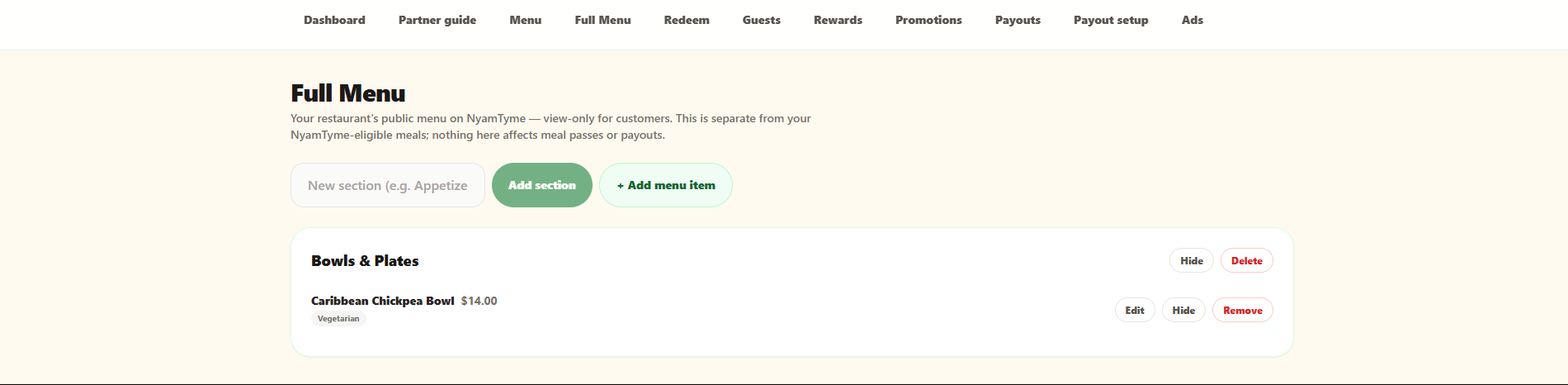
Scroll the image sideways to read the full screen.
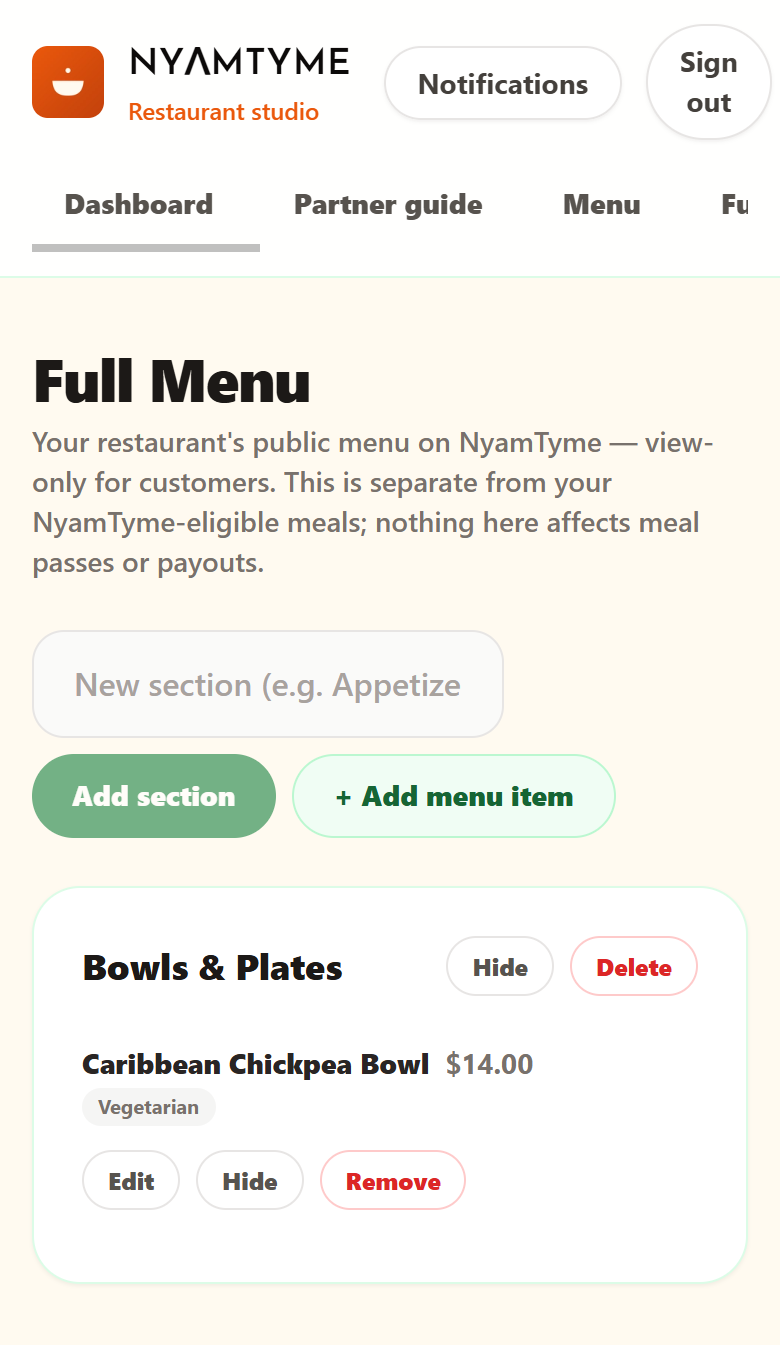
Separately, the Menu tab is where you create the items that are eligible for Meal Passes. Those go to NyamTyme for approval and move through Drafts, Pending review, Approved and Rejected before they are live to customers.
Sample interface shown for demonstration. Your restaurant dashboard displays your own restaurant, menu, guests, redemptions and payout activity.
What you can do here
- Group your public menu into sections such as Bowls & Plates
- Add items with a price and dietary tags like Vegetarian
- Edit or remove an item, or hide one without deleting it
- Submit NyamTyme-eligible items for admin approval before they go live
- Track each item through Drafts, Pending review, Approved and Rejected