
Restaurant dashboard preview
Keep your restaurant profile current.
Your profile is what diners see in the NyamTyme directory and on your restaurant page. You update the name, contact details and description here, and the changes flow straight through to the public listing.
Edit your profile in the NyamTyme restaurant studio
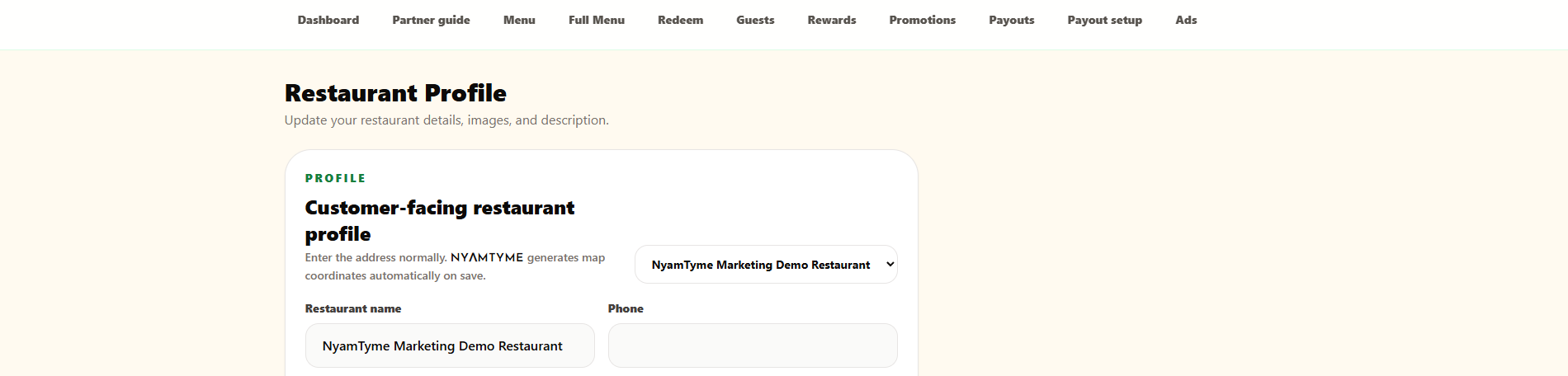
Scroll the image sideways to read the full screen.
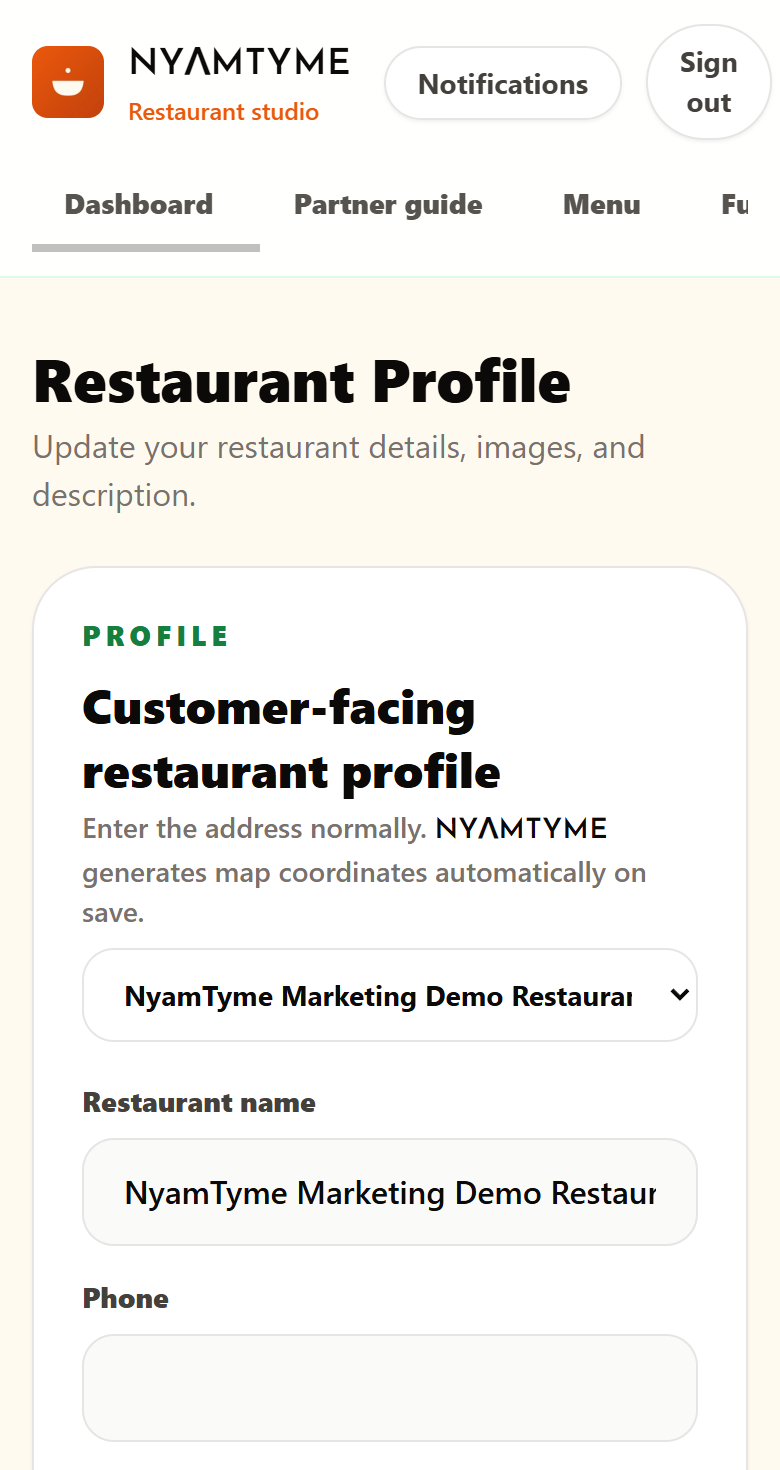
Enter your address normally and NyamTyme generates the map coordinates for you on save. Logo and cover images are optional — you can publish without them and add photography later.
Sample interface shown for demonstration. Your restaurant dashboard displays your own restaurant, menu, guests, redemptions and payout activity.
What you can do here
- Update the restaurant name, phone and contact email diners see
- Write the short description that appears on your public page
- Add a logo and a cover image, both optional and editable later
- Enter the address normally — map coordinates are generated on save
- Manage the profile for each restaurant you operate