
Restaurant dashboard preview
Scan and verify a guest in seconds.
Your staff verify a diner from any phone or tablet already behind the counter. Open Guests to scan a diner’s NyamTyme QR and see their history at your restaurant, or use Quick Redeem when someone is redeeming a Meal Pass.
Scan a guest QR in the NyamTyme restaurant studio
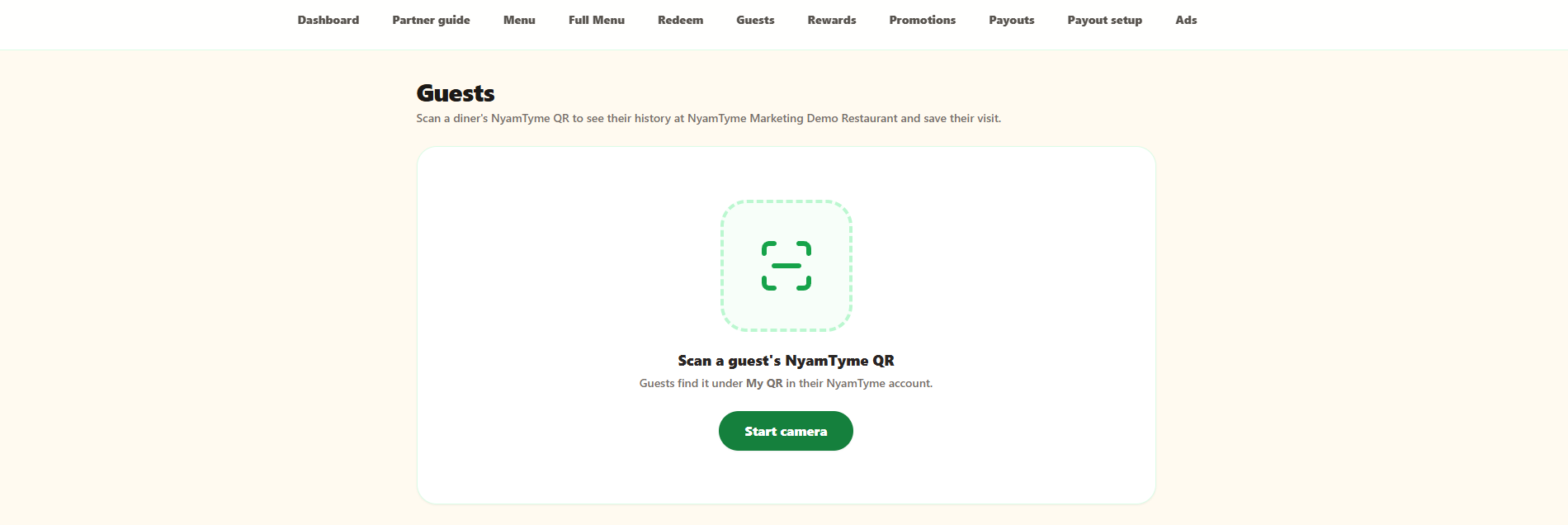
Scroll the image sideways to read the full screen.
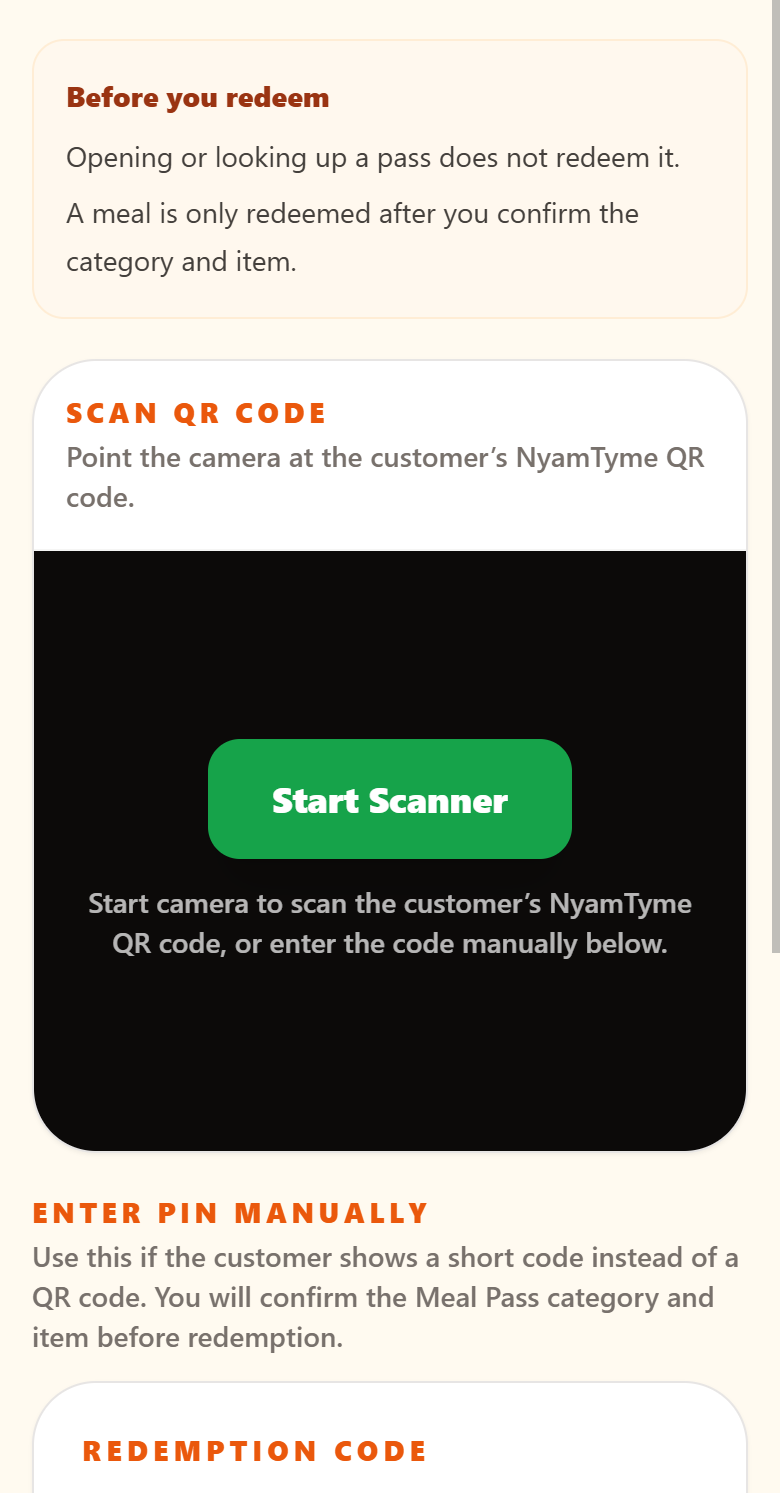
Looking a pass up never spends it. NyamTyme records the redemption only after a staff member confirms the category and the item, so a mis-scan cannot cost a guest a meal.
Sample interface shown for demonstration. Your restaurant dashboard displays your own restaurant, menu, guests, redemptions and payout activity.
What you can do here
- Scan a customer’s NyamTyme QR code with the device camera
- Enter a redemption PIN manually when a guest shows a short code instead
- Confirm the Meal Pass category and item before anything is redeemed
- See a returning diner’s history at your restaurant before you serve them
- Record the redemption and the visit automatically once confirmed